Node — OrganizeYour life, organized. Finally.
Notes, tasks, reminders, and your calendar in one hub. It works offline, shares when you want it, and stays private always.
Free to start · Web · iOS · installs on Android & desktop
Notes
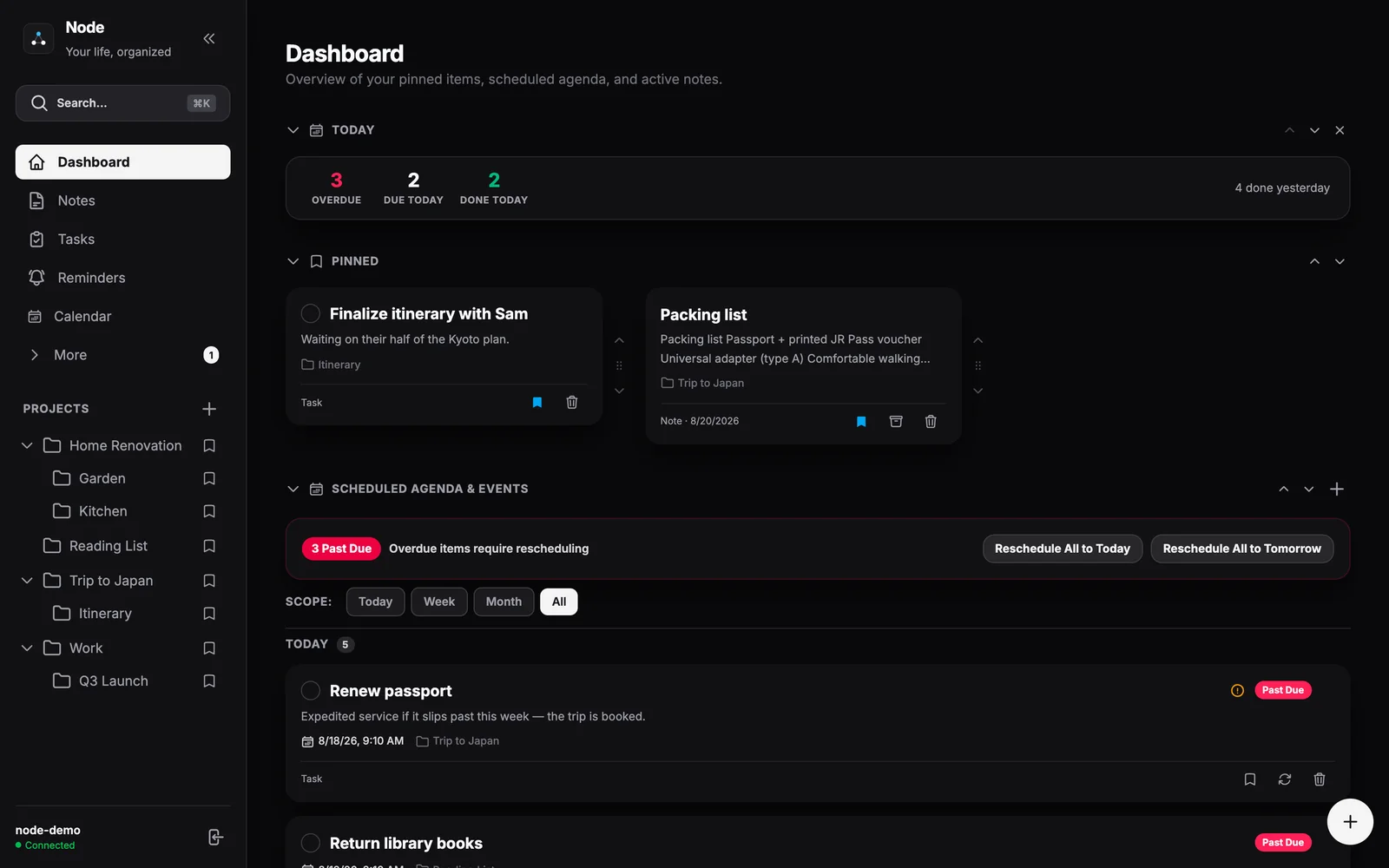
Notes that do more than sit there.
A rich editor with images, tables, and attachments — plus tasks and checklists living inside the note, full version history, and real-time co-editing when you share.
Calendar
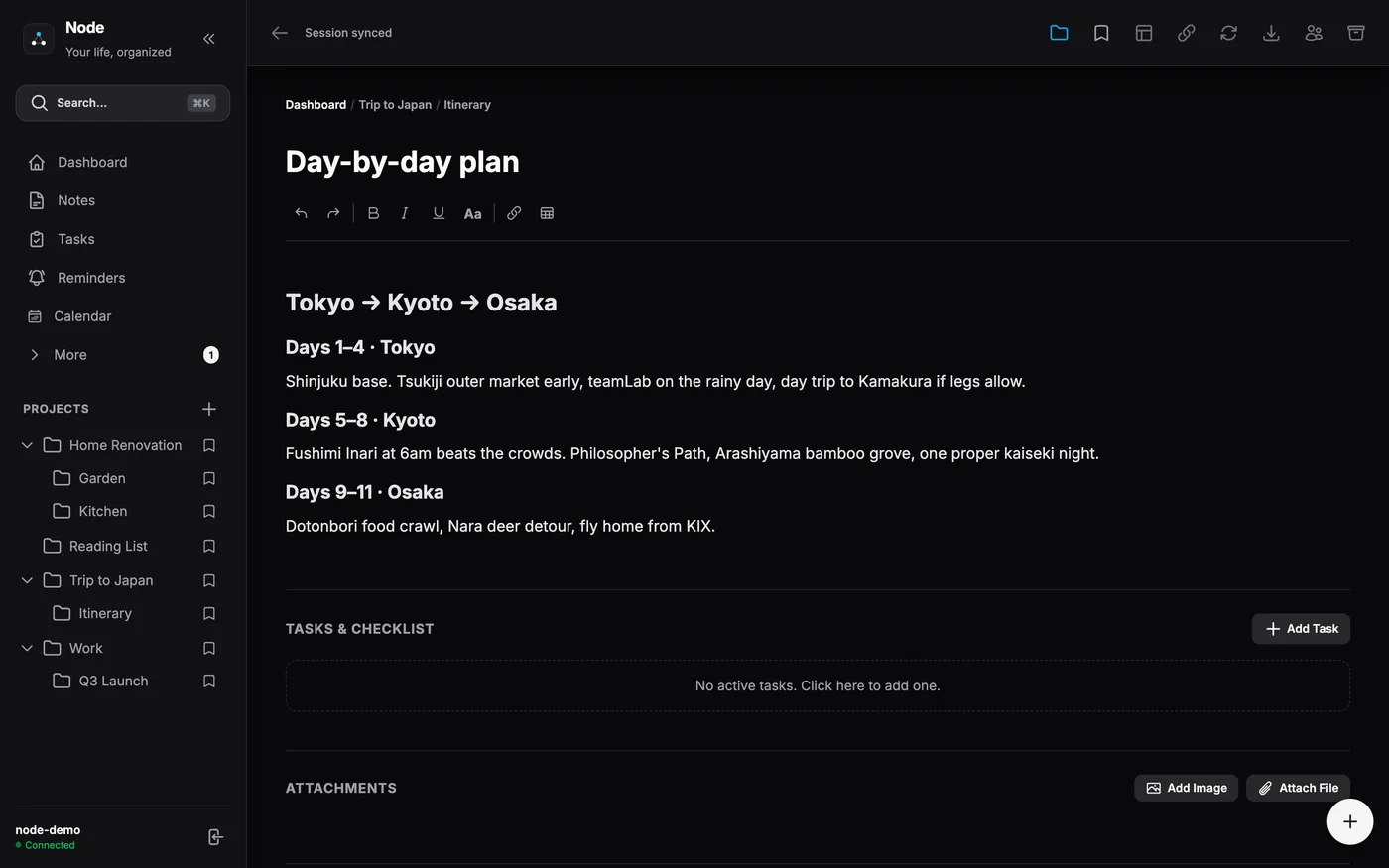
Your calendar, both directions.
Two-way Google Calendar sync puts tasks and reminders on the calendar you already use, and subscribed calendar feeds show your outside life next to your plans.
Projects
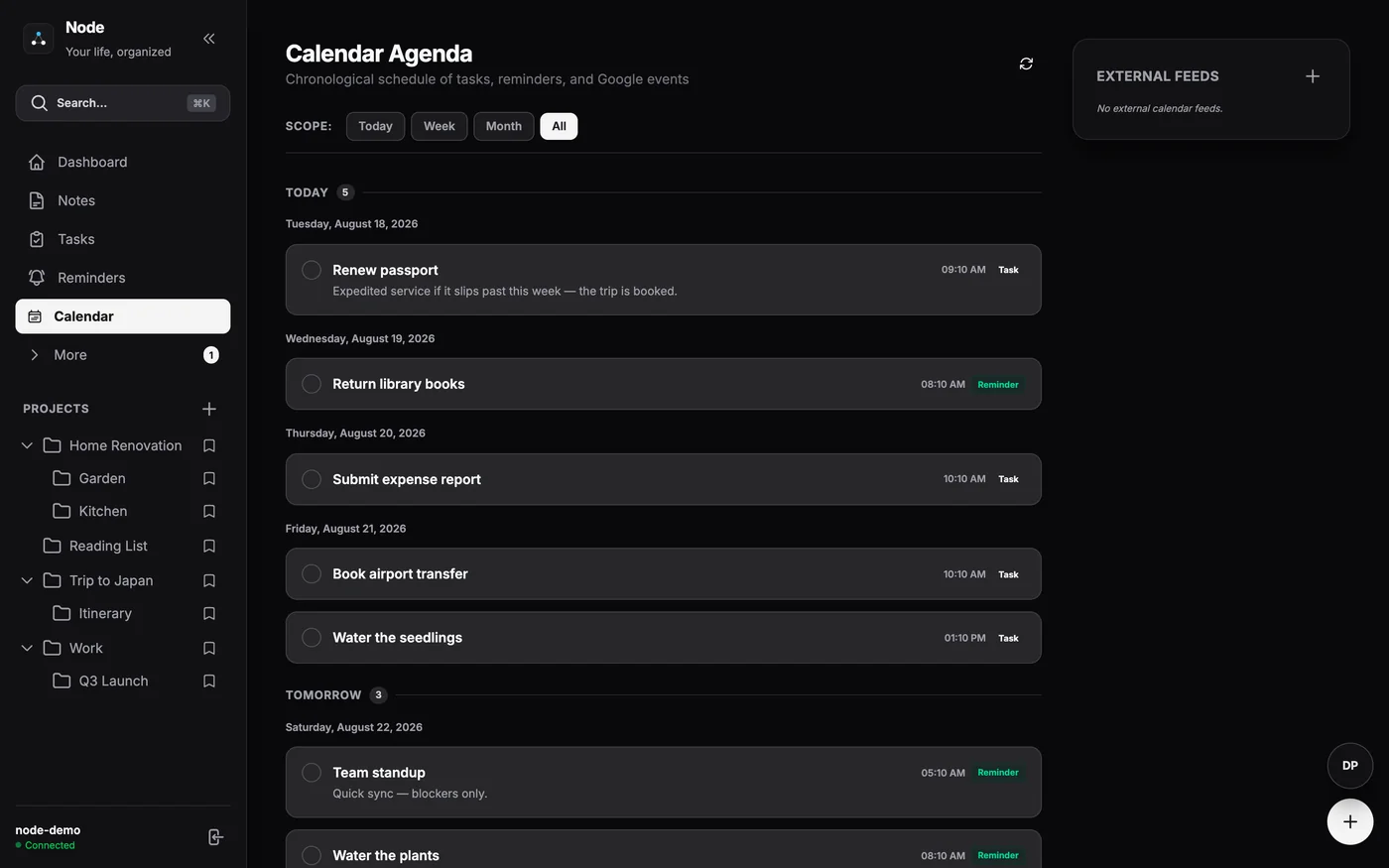
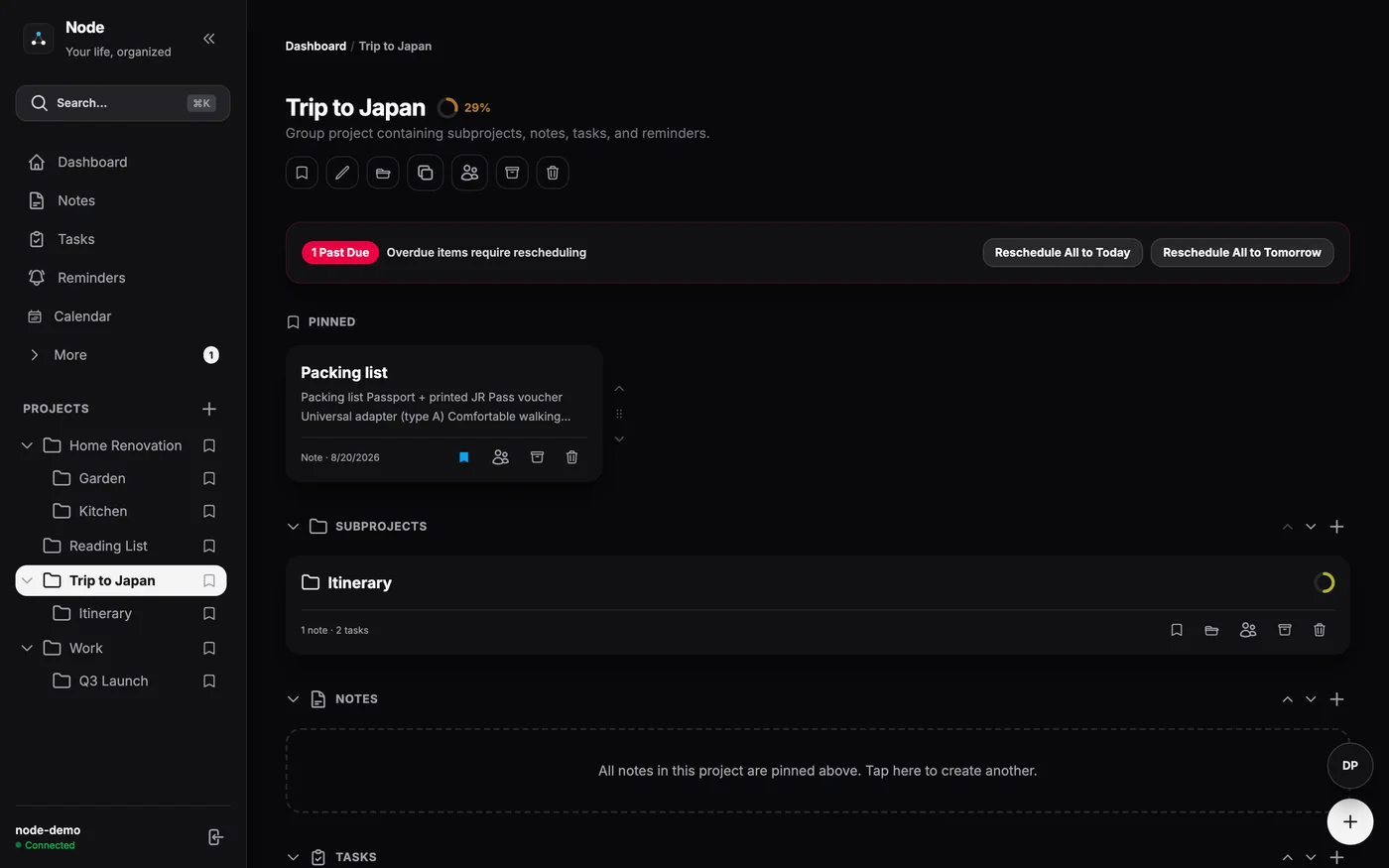
Every project has a home.
Nest projects inside projects, keep each one’s notes, tasks, and reminders together, and pin what matters to the top of your day.
Everywhere you are
Take it everywhere.
Works offline on every device: a real iOS app, and an installable app on Android and desktop straight from the browser. Capture on the subway — it syncs when you surface.
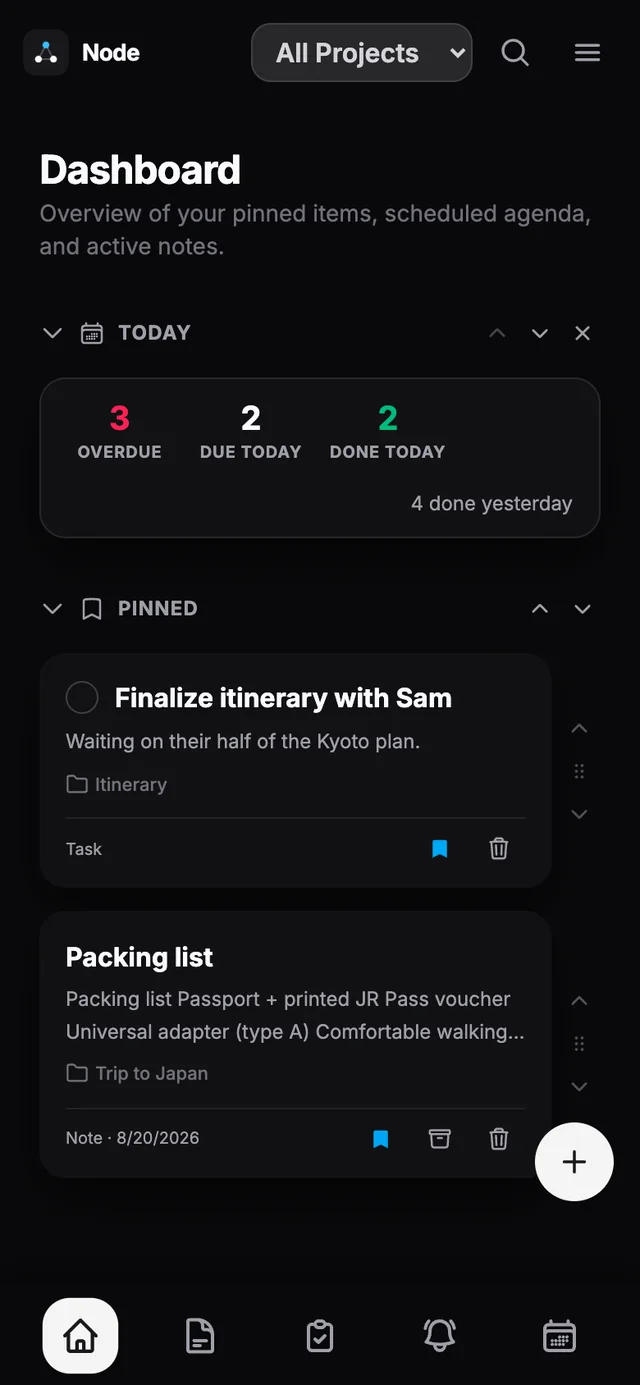
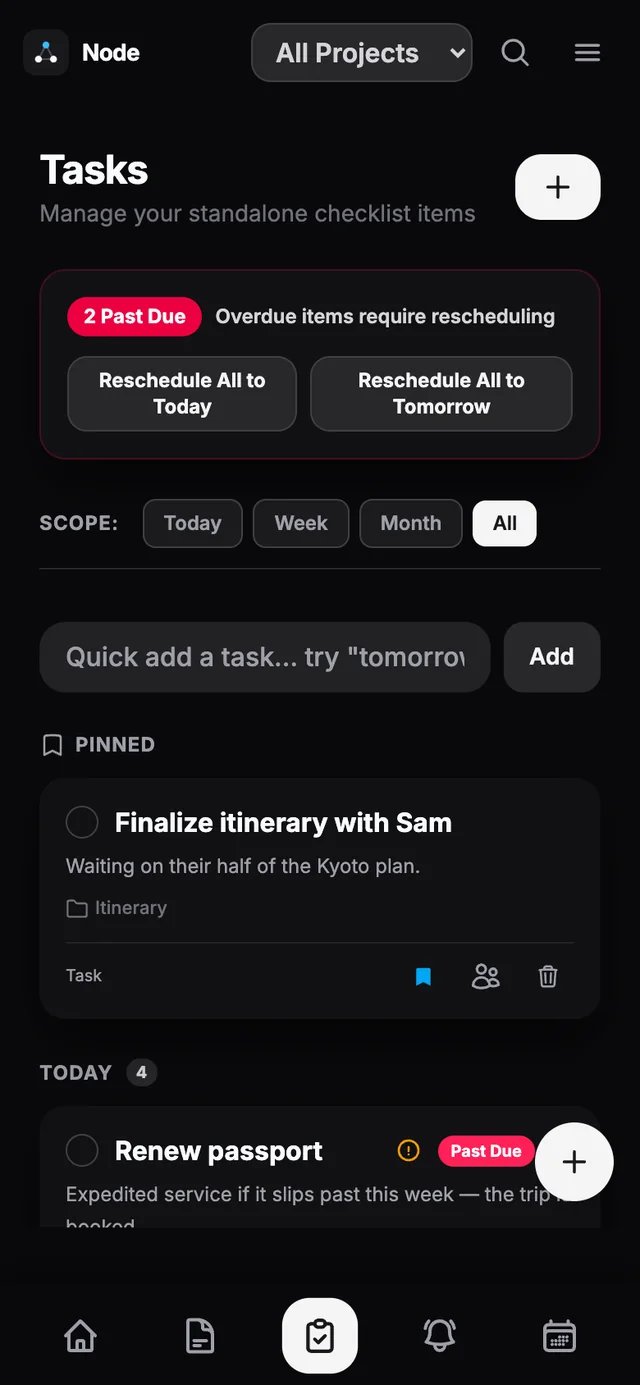
Everything in one organized hub.
Capture everything
Rich note editor
Formatted notes with images, files, tables, and linked notes.
Type it like you’d say it
Write "pay rent tomorrow 5pm #home" and Node sets the date and the project for you.
Templates
Reusable note templates for the things you write again and again.
Stay on track
Reminders that repeat
Every day, every other Tuesday, the first Monday of the month — and they reach your phone even when Node is closed.
Pomodoro timer
Focus sessions that sync across every device you use.
A dashboard you build
Add a focus timer, countdowns, an inbox, streaks — or keep it simple.
Better together
Real-time collaboration
Share notes and projects; edits appear live for everyone invited.
Google Calendar sync
Two-way sync puts your tasks and reminders on the calendar you already use.
Work with your AI
Ask your AI
Hand any note or project to Claude, ChatGPT, or Gemini and bring the answer back — a summary, a to-do list, a draft. Free on every plan.
Connect your AI
Let your AI app open Node itself, so you can just ask about your notes in conversation. It sees only the projects you hand it. Node Pro.
No AI of our own
Node uses the AI subscription you already pay for. There is no key to buy, and nothing is sent to us.
Everywhere you are
Works with no signal
Everything works offline and syncs when you’re back. A real iOS app, and it installs from the browser on Android and desktop.
Bring everything with you
Move in from Apple Notes, Google Keep, Notion, Todoist and more — in minutes, and every import can be undone.
Private by design
No ads, no tracking
Your data is never sold, mined, or used for advertising.
Your account, locked down
Two-factor codes, passkeys, and a list of every device you’re signed in on — through your Attereon account.
How Node compares
Honestly, and in plain words — because the differences are the point.
| Feature | Node | Notion | Todoist |
|---|---|---|---|
| Built as | A personal organizer: notes, tasks, reminders, and calendar in one hub | A flexible all-purpose workspace built on pages and databases | A dedicated task manager |
| Tasks & reminders | Built in, with repeats and reminders that reach your phone — and dates you can type in plain English | Possible via databases, but you assemble the system yourself | Its core strength — fast capture with plain-English input |
| Calendar | Two-way Google Calendar sync, plus subscribed calendar feeds | Calendar and timeline views; deeper scheduling via companion tools | Calendar integrations available |
| Offline | Everything works with no signal and syncs later | Designed online-first; offline support is more limited | Apps keep working offline |
| Price | Free plan with every core feature; Pro is $3.99/month | Free tier plus paid plans | Free tier plus paid plans |
Competitor columns describe each product in broad strokes and may lag their latest releases — check their sites for specifics and pricing.
Simple pricing.
Free forever for the core. Pro when you want more.
Free
$0 forever
- All core features
- Notes, tasks, reminders & calendar
- Works offline, syncs everywhere
- Share with 1 person
- Ask your own AI about any note
- 25 MB media storage
ProPopular
$3.99 per month — or $36/year
Yearly saves ~25%
- Everything in Free
- Unlimited collaborators
- Your AI assistant can open Node itself
- 1 GB media storage
- Support an independent builder
Questions, answered.
Is Node really free?
Yes — the Free plan includes every core feature: notes, tasks, reminders, calendar, offline sync, sharing with one person, and handing a note to your own AI. Pro adds unlimited collaborators, more storage, and connecting an AI directly to Node.
Does Node work offline?
Fully. Create, edit, and organize with no connection — everything syncs when you’re back online.
Can I import my notes from another app?
Node reads exports from Apple Notes, Apple Reminders, Google Keep, Google Tasks, Notion, Evernote, Todoist and TickTick, plus Markdown folders and pasted text. Every import can be undone.
Can I use my own AI with Node?
Yes, and Node runs no AI of its own. Ask your AI hands a note to whichever AI you already use and brings the answer back — free on every plan. Connect your AI, on Node Pro, lets that app open Node itself so you can ask about your notes in conversation. Either way it sees only what you hand it, it can never delete anything, and nothing is sent to us.
How is my data handled?
Node runs no ads, no third-party analytics, and never sells data. See the privacy policy for the full picture, and contact support any time.
More questions? Visit Node support.
Get your life organized.
Free to start. No ads, no tracking — ever.
Get started freeNode is part of the Attereon orbit — and works entirely on its own.